Why Trendzy Look beats hiring a photoshoot for catalog images
Trendzy LookUpdated Nov 11, 20263 min read
Hiring a photoshoot for every SKU is slow, expensive, and hard to repeat. See why fashion teams use Trendzy Look instead—and how to get listing-ready on-model images from garment photos you already have.
On this page(6 sections)
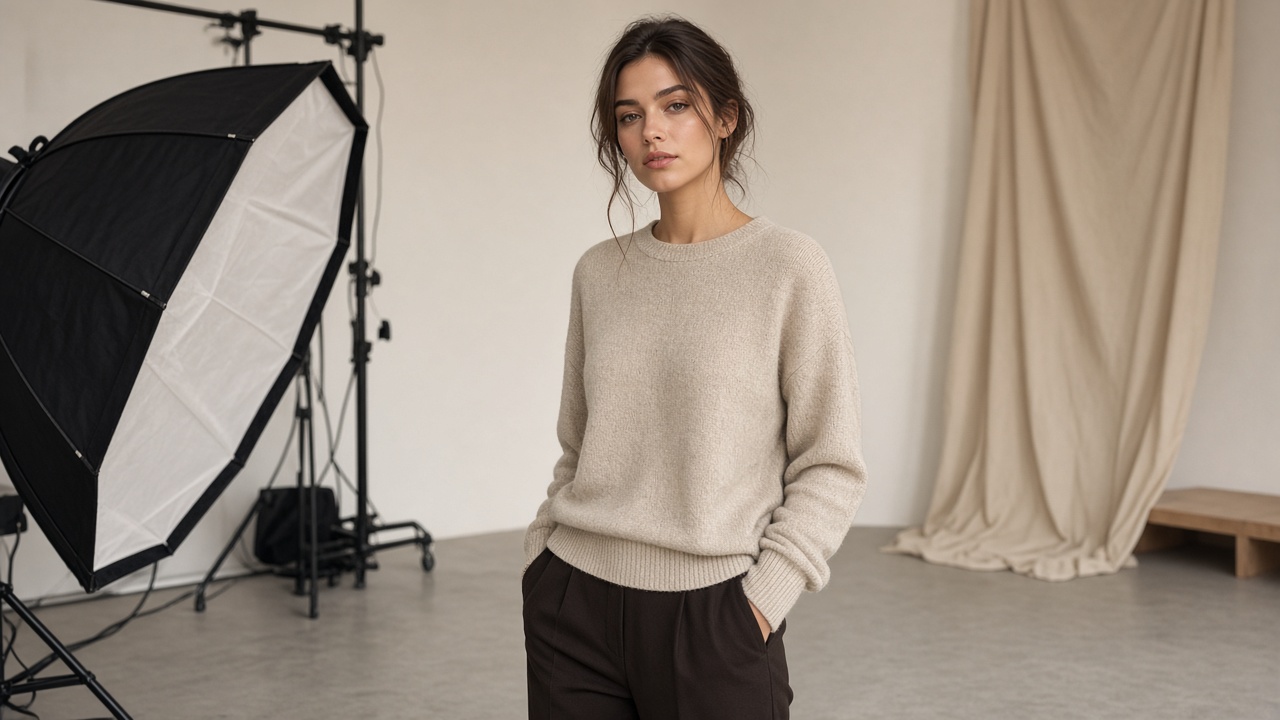
Trendzy Look turns garment photos you already have into on-model listing images—without casting, studio rentals, or a week of calendar gymnastics.
Try Trendzy Look free of the shoot queueIf your products are ready but your listings still show flat lays—or blank model slots—the bottleneck is rarely design. It is imagery. Hiring a traditional photoshoot sounds premium. For day-to-day catalog work, it is often the wrong tool.
Trendzy Look exists for that gap: upload a garment photo, pick a reference look, and generate an on-model image you can review and ship. Here is why teams choose the studio over booking another shoot.
Why hiring a photoshoot holds catalogs back
Lead time: talent, studio, and stylist schedules push images out by days or weeks while SKUs sit live incomplete
Cost per SKU: day rates and retouching make full coverage for every colorway unrealistic
One-and-done pressure: you only get what was shot that day—new angles or crops mean another booking
Inconsistency between drops: different photographers and lighting setups make the shop grid look patchworked
Wasted inventory moments: seasonal windows close while you wait for “the shoot” instead of publishing
Why Trendzy Look is the better default
Start from the real garment photo—so the SKU stays the source of truth
Move from flat lay to on-model direction in one studio flow, not a production call sheet
Reuse the same reference looks so the catalog stays visually consistent week after week
Iterate when a listing underperforms—without rebooking talent
Keep merchandising unblocked: imagery can follow inventory, not the other way around
What you actually need instead of a full production
A clear garment photo (flat lay or ghost mannequin)
A reference look that matches the crop and pose you want on the PDP
A quick human review for color, length, and brand fit
Publish—and generate again when the assortment changes
A week with Trendzy Look (not a shoot calendar)
How catalog coverage can move when imagery is not stuck on bookings.
Day 1
Capture or pull garment photos
Use flat lays you already shoot for ops—or a quick desk setup.
Day 2
Generate on-model candidates in Trendzy Look
Apply your brand’s reference looks so the grid stays coherent.
Day 3
Review and publish
Approve frames that stay faithful to the SKU, then update PDPs and marketplaces.
Ongoing
Refresh without rebooking
New colorways and angles do not require another production day.
The photoshoot myth fashion teams outgrow
A photoshoot feels like the “serious” choice. For campaign films and highly produced brand stories, specialized production still has a place in the industry. For the job most sellers wake up to—getting credible on-model images onto listings this week—Trendzy Look is built for that work.
You should not pause selling until a studio day opens. You should generate from the garment you already have, keep standards with shared references, and open the studio whenever the catalog changes.
Related reading
How to try outfits with one reference photo · Trendzy Look vs a traditional photoshoot
Skip the next unnecessary shoot booking
Open Trendzy Look with one garment photo and generate a listing-ready candidate today.
Trendzy Look studio
Turn garment photos into on-model listing images
Upload a product shot, pick a reference look, and generate catalog-ready visuals without a shoot day.
Generate a look