Trendzy Look vs ChatGPT for outfit visuals
Trendzy LookUpdated Nov 11, 20262 min read
A practical comparison: when a general chat image tool is enough, and when a fashion studio workflow built around garment photos is the better fit.
On this page(5 sections)
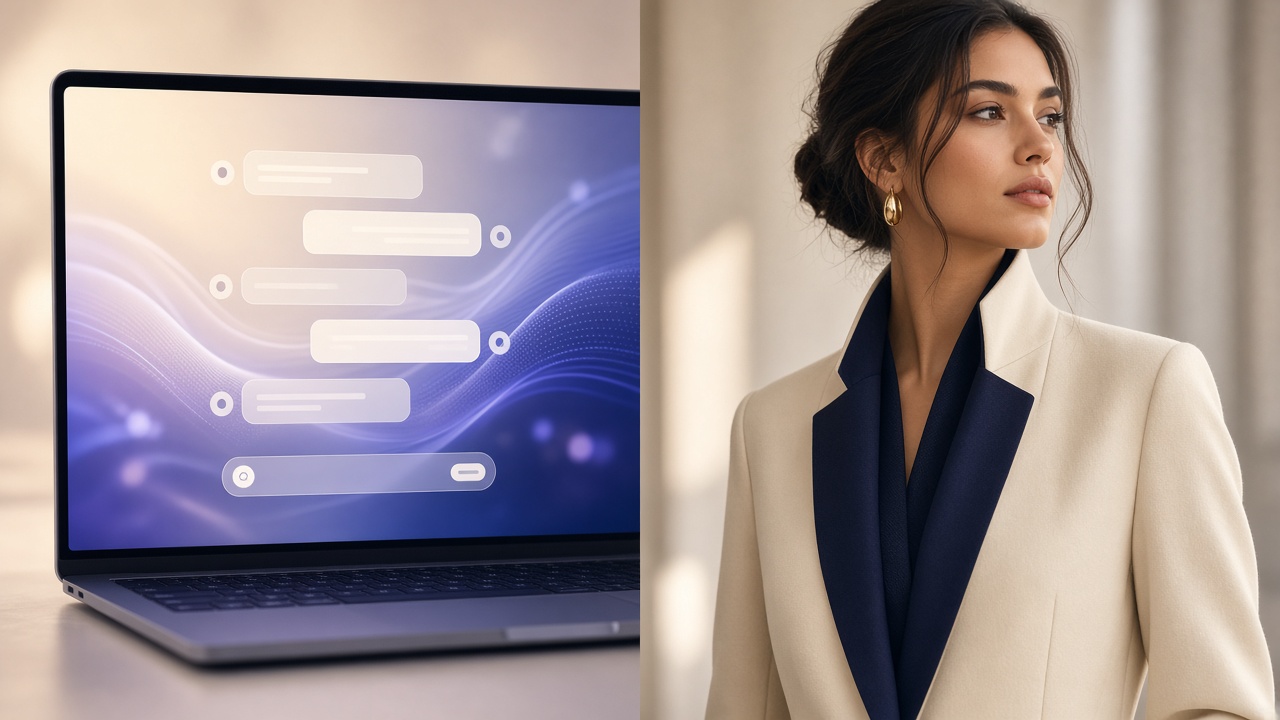
General image chat is flexible. A fashion studio workflow is built around your actual garment photo.
Open Trendzy LookChatGPT (and similar assistants) can brainstorm looks and generate illustrative fashion imagery from text. Trendzy Look is aimed at a different job: starting from your garment photo and a reference look to produce listing-oriented visuals.
At a glance
ChatGPT-style image chat
Strong for moodboards and conceptual exploration from prompts
Flexible creative direction in natural language
Less structured around a single SKU’s real garment capture
Trendzy Look studio
Built around uploading a garment and choosing a reference
Oriented to catalog / listing style outputs you can review
Fits teams that already think in SKUs, flat lays, and PDPs
Which should you use?
Use chat tools when you are exploring ideas and do not need the output to match a specific physical garment. Use Trendzy Look when the garment already exists and the image must stay faithful enough for selling.
Related: AI fashion studio vs hiring a photoshoot.
A simple way to combine both
01
Explore in chat
Mood, color stories, and styling directions.
02
Lock the real garment
Shoot or select the flat lay for the SKU.
03
Produce in studio
Generate listing candidates from the real product photo.
Start from your garment photo
Upload a flat lay and generate an on-model direction in Trendzy Look.
Trendzy Look studio
Turn garment photos into on-model listing images
Upload a product shot, pick a reference look, and generate catalog-ready visuals without a shoot day.
Generate a look